GTA 6 BuckMe Banking Guide: Checking, Family Savings, and the Chapter 1 Cash Reset
Managing money in Grand Theft Auto VI is completely different from previous games. Rather than carrying millions in your pockets with zero consequences, GTA 6 splits your finances across three distinct tiers using an in-game fintech app called BuckMe. If you don't understand how these tiers work, you risk losing thousands of dollars to hospital fees, arrests, and an early-game story transition.
The 3 Money Tiers Explained
Whenever you pick up cash from a register, rob a pedestrian, or receive a mission payout, that money flows into one of three buckets:
1. Pocket Cash
Physical banknotes carried directly on Jason or Lucia. This is what you pick up during store robberies, burger joints, and street hold-ups.
- Holding Limit: Capped at $20,000 per character.
- Vulnerability: If you get wasted or busted by the police, you lose a heavy percentage of your pocket cash on respawn.
- Best Used For: Small everyday purchases like food, ammunition refills, clothing, and roadside fuel.
2. BuckMe Checking Account
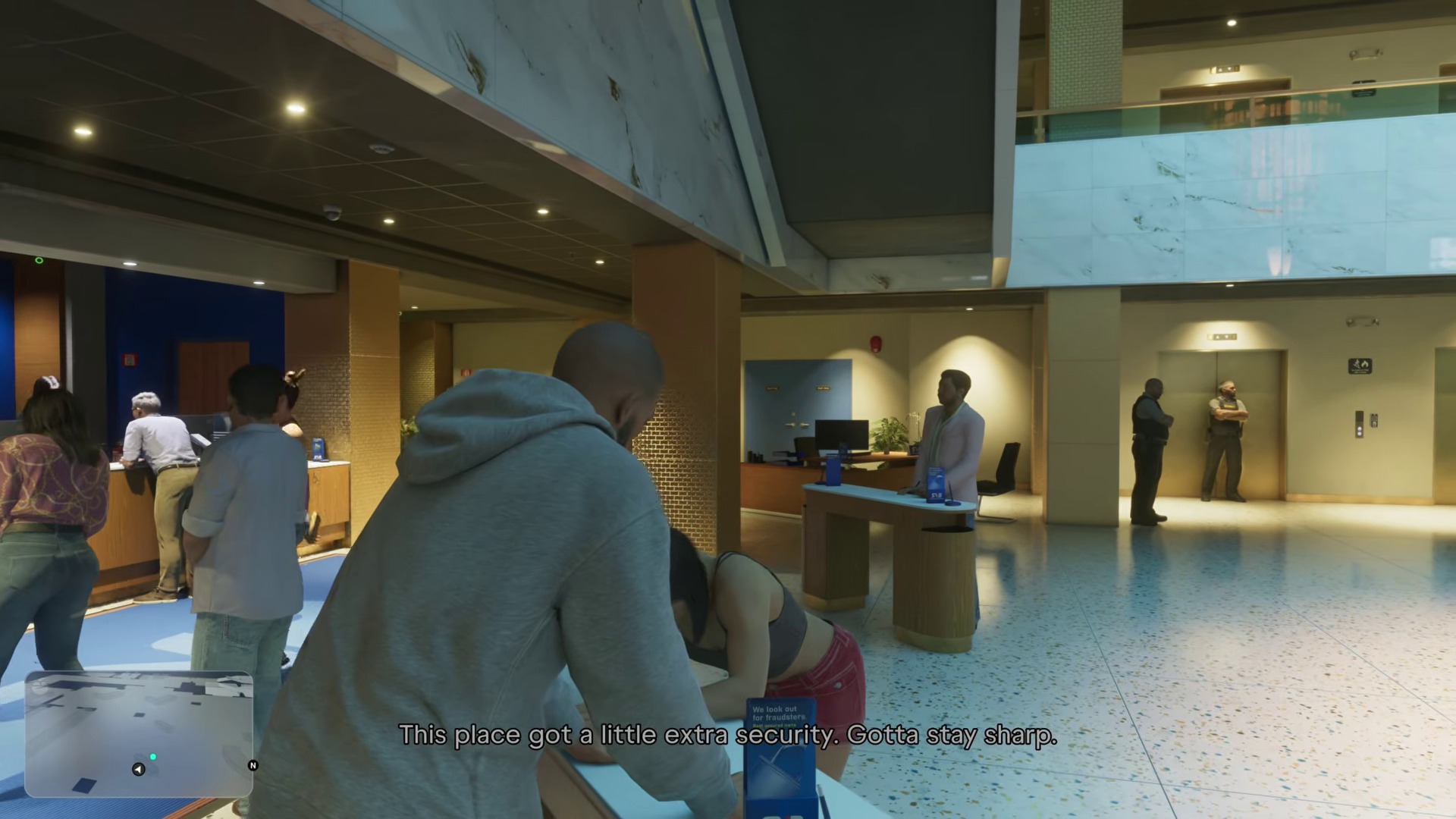
Your liquid digital balance accessible directly via the BuckMe app on your in-game smartphone. This account is unlocked early in Chapter 1 during the "Buck Me" mission after Jason and Lucia are turned away by Fleeca Bank.
- Protection: Money in your Checking account cannot be stolen if you die in freeroam or get arrested by the police.
- Transactions: Used for major digital payments including car repairs, weapon upgrades at Ammu-Nation, and real estate deposits.
- Holding Limit: Starts with an initial limit that can be raised by contributing to Family Savings.
3. BuckMe Family Savings
A protected joint reserve tied to Jason and Lucia's shared narrative goals. Money transferred here is permanently locked away—you cannot withdraw it to buy guns or cars.
Why deposit money you can't withdraw? Because contributing to Family Savings provides two massive advantages:
- It permanently increases your Checking Account holding limit.
- Hitting milestone savings goals unlocks permanent passive perks, including discounts at automotive shops and transport services across Leonida.
The Chapter 1 Money Trap (Warning)
Hundreds of players have hoarded $6,000 to $10,000 in Chapter 1 only to watch it vanish when Chapter 2 begins in Port Gellhorn. Here is the exact strategy to protect your hard-earned cash:
- Max Out Family Savings: Before starting "Tourist Trap," open BuckMe and use the "Buck Yourself" transfer option to deposit as much cash as possible into Family Savings (capped at $5,000 during Chapter 1). Family Savings is the only money pool that safely survives the Chapter 2 transition.
- Buy Permanent Weapon Insurances: Spend every remaining dollar at Chuck's Tackle & Shot / Ammu-Nation in Key Lento. Buy longarms, sidearms, and attachments. Purchased weapons are permanently registered to your account and will be waiting in your weapons locker in Chapter 2.
- Do Not Spend on Cars in Key Lento: Avoid spending money upgrading Jason's Ganado or modifying street cars in Chapter 1. That vehicle is retired when the chapter ends and any cosmetic investments will be lost.
How to Deposit Cash into BuckMe
You cannot deposit marked robbery cash directly from your pocket into BuckMe while walking down the sidewalk.
- Clean Cash: Payouts from legitimate side jobs and mission rewards automatically deposit into your Checking Account.
- Dirty Cash & Contraband: Physical money stolen from cash registers, store safes, or drug drops must be taken to a Fence first. The fence takes a small laundering cut and transfers clean, deposit-ready funds to your account.
Frequently Asked Questions
What happens if I forget to deposit money into Family Savings before Chapter 2?
Any liquid cash you held in your wallet or Checking account is removed as part of the story progression. You will start Chapter 2 with only a small stipend unless you reload an earlier manual save.
Does Family Savings help in the late game?
Yes. As you progress through Chapters 3 and 4 in Vice City, the savings target expands, unlocking higher tier discounts on properties and weapons lockers.