GTA 6 File Size & Storage Requirements: How Many GB Do You Need?
With huge maps, dense pedestrian crowds, and high resolution textures, modern open world games eat up SSD space fast. Here is how much storage GTA 6 will take on PS5, Xbox, and PC, plus how to get your drive ready.
Console Storage Space Estimator
Storage CheckHow big will GTA 6 actually be?
Storage concerns are completely valid. Searches for GTA 6 file size and storage requirements have climbed over 100 percent recently. Console owners want to know whether they will need to delete their game library or buy an expansion SSD before launch week.
Based on current production standards for large open world games, GTA 6 is expected to require between 150 GB and 200 GB of drive space. For comparison, Red Dead Redemption 2 launched at 105 GB back in 2018 on previous-generation hardware. Modern current-gen titles like Call of Duty, NBA 2K, and Baldur's Gate 3 routinely push past 140 GB.
Given the sheer density of Vice City, high resolution asset libraries, dynamic weather systems, and hours of radio audio, expect a download that comfortably passes the 150 GB mark.
Why the file size is so huge
Game size comes down to a few major factors that cannot easily be compressed without sacrificing visual quality or performance.
1 Ultra high-resolution 4K textures
In GTA 6, materials look grounded when you look closely at asphalt on Ocean Drive or boat hulls in the Grassrivers. Every surface uses detailed normal maps, roughness layers, and ambient occlusion textures. These texture packs account for more than half of the total install footprint.
2 Thousands of lines of voice acting and radio stations
Rockstar games are known for their massive soundscapes. Lucia, Jason, and hundreds of unique NPC voices carry thousands of lines of recorded dialogue. Combine that with a dozen full-length radio stations, talk shows, and original music scores, and audio files easily take up 20 to 30 GB on their own.
3 Fast streaming without duplicated assets
Older games used to duplicate assets on spinning hard drives so the laser could find them quickly. Modern consoles use ultra-fast NVMe SSDs, which eliminates asset duplication. However, the higher resolution of the assets themselves more than makes up for that saved space.
What this means for your console
Your actual free storage depends entirely on which console you own and whether you have installed an extra drive.
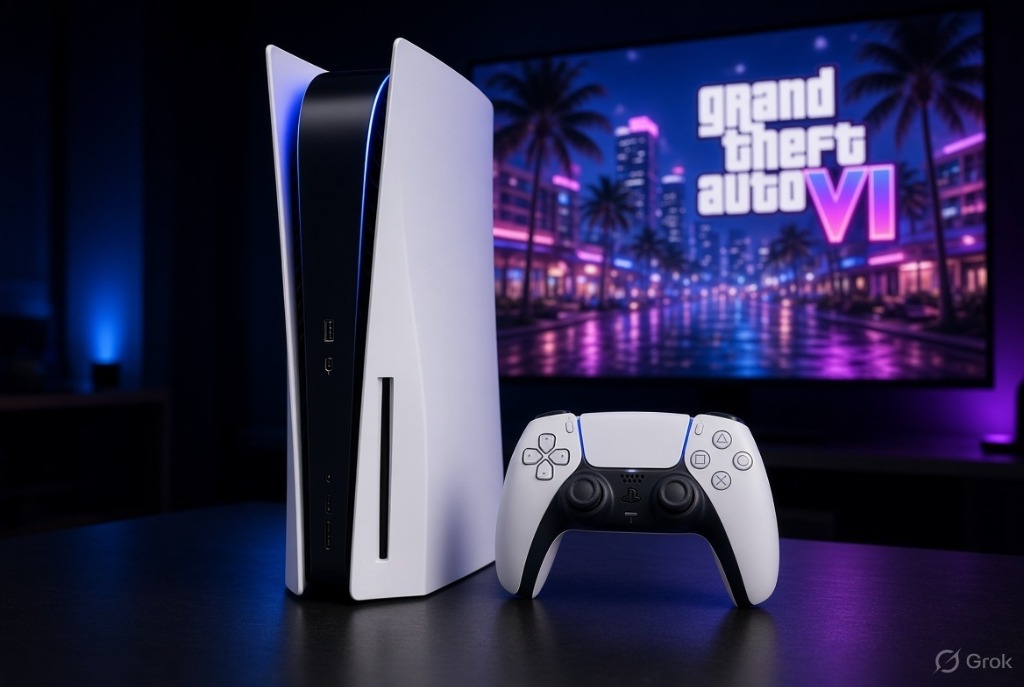
Base PlayStation 5 (Launch Model): The original PS5 advertised an 825 GB SSD, but after the operating system and system caches take their cut, you are left with about 667 GB of usable space. A 170 GB install will eat up more than a quarter of your entire drive.
PS5 Slim: The Slim model upgraded internal storage to 1 TB, giving you about 848 GB of usable room. That leaves comfortable breathing space, though you will still need to manage large multiplayer games like Warzone or sports titles.
PS5 Pro: The Pro model includes a full 2 TB SSD, leaving around 1,890 GB usable. You will easily fit GTA 6 alongside your existing collection. In addition, the Pro utilizes hardware upscaling through PlayStation Spectral Super Resolution (PSSR), which renders cleaner lines and steadier frame rates in crowded urban districts without inflating file sizes.
Xbox Series X: The Series X comes with a 1 TB drive, of which roughly 802 GB is usable. It handles a 170 GB install well, though you should clear out unused titles ahead of time.
Xbox Series S: The white Series S model only offers 364 GB of usable space out of its 512 GB drive. On that console, GTA 6 could consume nearly half of your available capacity. If you play on Series S, adding an expansion card is almost mandatory if you keep more than two or three games installed.
Can you use an external USB hard drive?
You cannot run GTA 6 directly from an external USB hard drive. Current generation games are engineered around the ultra-high speeds of internal NVMe drives. Traditional spinning external drives or slow external SATA SSDs simply cannot stream buildings, traffic, and pedestrian models fast enough while driving down highways at high speed.
You can use an external USB drive to store cold backup files. This allows you to copy games back and forth without re-downloading them over the internet, but to play, the game must live on internal storage or an approved M.2 NVMe expansion drive.
How to prepare before launch
If you want launch night to be smooth rather than frustrating, take these steps a couple of weeks ahead of time:
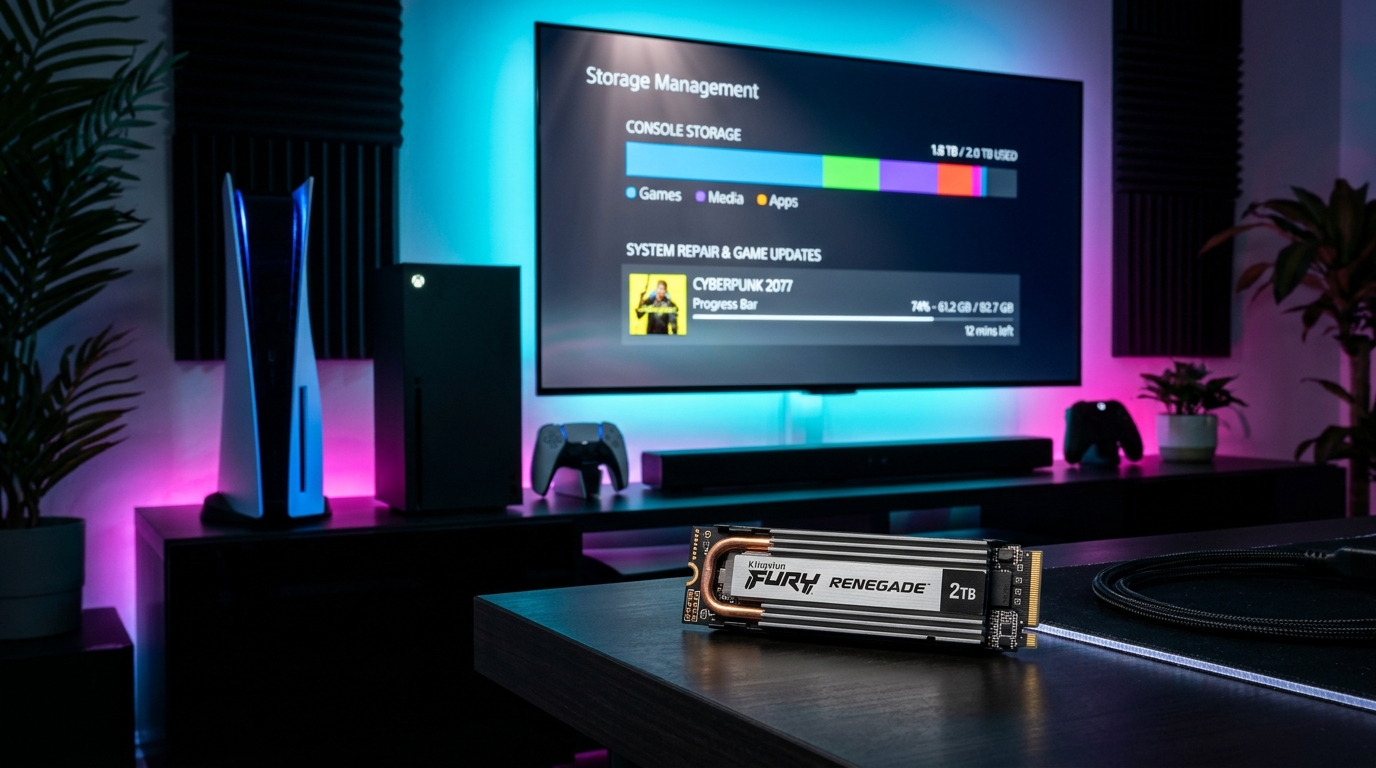
First, check your free storage and delete games you have not opened in months. Second, if you need extra room on PS5, pick up a compatible PCIe 4.0 M.2 NVMe SSD with a heatsink (such as a WD Black SN850X or Samsung 990 Pro). They slide directly into the expansion bay under the PS5 faceplate in less than five minutes.
Finally, look out for the digital preload window. Preloads usually open 48 to 72 hours before unlock time. Starting your download early ensures your console finishes unpacking the files long before the servers open.
Frequently asked questions
Will the PC version be larger than console?
Yes. PC versions generally include uncompressed 4K texture packs, ultrawide monitor assets, and ray tracing caches that can easily add an extra 20 to 40 GB compared to console releases. You can test your hardware readiness on our PC specs compatibility checker.
Do physical discs require less SSD space?
No. Physical discs copy all game files directly onto your console's internal SSD during initial setup. Once installed, the game uses the exact same amount of drive space whether you bought it on disc or digitally.